How to Use Meta Opportunity Score to Actually Improve Your Ad Results
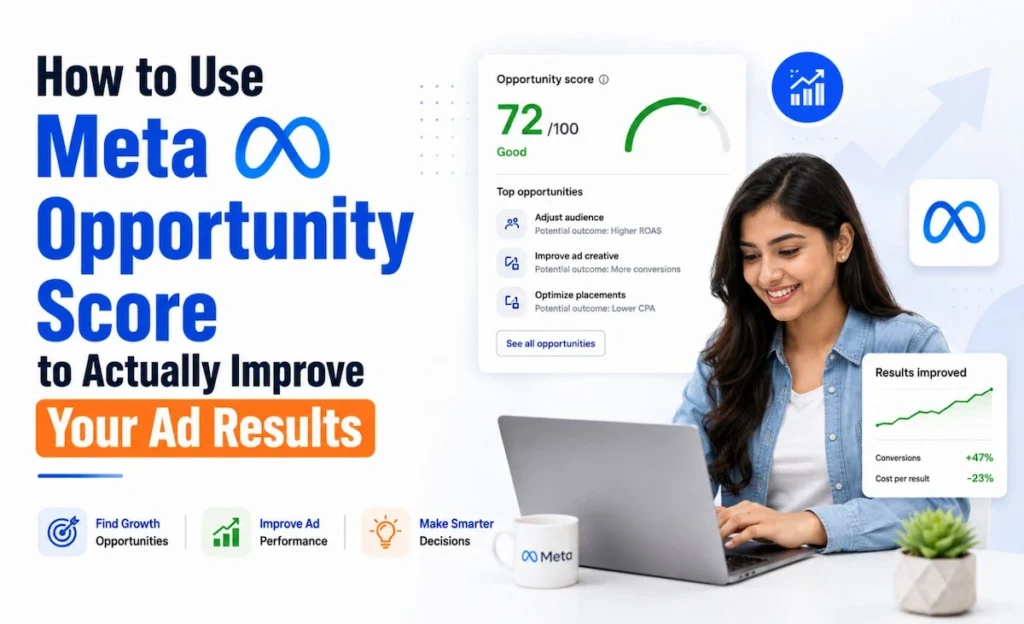
Let me be honest with you. The first time I saw Meta Opportunity Score in my Ads Manager, I panicked a little. My score was sitting at 42 out of 100, and I thought I had broken something. I remember checking my campaigns three times, wondering if my clients’ budgets were going to waste because of that number staring back at me. I am Kirti Saini, a certified performance marketer based in Jaipur. I have been running Meta Ads Manager campaigns for e-commerce brands, real estate clients, and local businesses across India for a few years now. And trust me, this score confused me just as much as it confuses you right now. So I decided to dig deep into what Meta Opportunity Score actually means, what it does not mean, and how Indian advertisers should really be using it. This blog is the guide I wish I had when I first saw that score. What Is Meta Opportunity Score and Why Should You Care Meta Opportunity Score is a 0 to 100 rating inside Meta Ads Manager that shows how closely your campaigns follow Meta’s recommended best practices. It surfaces the highest-impact fixes first, but a higher score does not automatically mean better ad results. Think of it like a health checkup report. Your doctor does not tell you whether you will win a marathon. They just tell you what needs attention before you run one. The score works by scanning your active campaigns and measuring how many of Meta’s recommendations you have applied. Each recommendation carries a weight, and Meta adds those up to give you a single number between 0 and 100. A score of 0 means you are ignoring almost every suggestion. A score of 100 means your campaign setup matches Meta’s preferred structure almost completely. Here is what the score is actually measuring behind the scenes: Whether your pixel is properly installed and firing correctly Whether you are using Advantage+ placements or limiting reach unnecessarily Whether your audience expansion settings allow Meta enough flexibility Whether you have enough creative variety to avoid creative fatigue Whether your conversion events are properly mapped and optimized Whether you have set up Conversions API or CAPI for stronger signal quality None of those checks are arbitrary. Each one points to a real gap that can affect your performance if ignored. That is the useful part of the score. The problem starts when advertisers treat that number like a competition. Where to Find Meta Opportunity Score in Ads Manager Finding the score is simple once you know where to look. Inside Meta Ads Manager, go to the left-side navigation and look for the Recommendations section. The score appears at the top of that panel along with a breakdown of individual suggestions. Campaign Level vs Account Level Score Meta shows two types of scores depending on where you look. Campaign score reflects how individual campaigns are set up. This is useful when you are auditing a specific campaign for a client or before scaling a budget. Account-level Opportunity Score gives you a broader view of your overall account health. If you manage multiple campaigns, this number tells you how the whole account compares to Meta’s recommended structure. For most Indian advertisers managing lead generation or e-commerce accounts, the campaign score is more actionable day to day. The account score is better for monthly reviews or client reporting. How the Meta Opportunity Score Works The Scoring Logic Meta does not share the exact formula publicly, but from what I have observed managing accounts across different industries, the score prioritizes recommendations by estimated impact. If a recommendation could meaningfully reduce your CPA or improve your ROAS, it gets more weight in the score calculation. This is actually the most useful thing about the score. It is not just a random checklist. It is a priority list that surfaces what is most likely to move the needle in your specific account. What Affects Your Score the Most From my experience, the biggest score drops come from three areas. First, tracking issues. If your pixel is firing incorrectly, or if you have not set up Conversions API (CAPI), Meta has weaker signal data to work with. This shows up quickly as a major drag on your score. Second, audience fragmentation. Running too many small, overlapping ad sets with similar audiences is one of the most common mistakes I see in Indian accounts. Meta flags this because it forces the algorithm to compete against itself during the learning phase. Third, creative fatigue. If you are running the same creatives for weeks without rotation, the score picks that up. Meta knows that ad performance decays when audiences see the same creative repeatedly, especially for lead generation campaigns targeting a broad audience. Types of Recommendations Inside the Score The recommendations inside Meta Ads Manager fall into a few categories. Understanding which category each suggestion belongs to will help you decide whether to act on it or leave it alone. Tracking and Measurement Recommendations These are almost always worth acting on. If Meta is telling you that your pixel is not tracking conversion events properly, or that CAPI is not connected, fix it. Weak tracking means Meta cannot optimize properly. Your CPA will suffer, and your ROAS will look worse than it actually is. For Indian advertisers using WhatsApp leads as a primary conversion action, this is especially important. Setting up WhatsApp lead tracking through the Conversions API gives Meta much better data to work with, and your score will reflect that improvement quickly. Audience and Delivery Recommendations These require more judgment. Meta often recommends audience expansion or switching to Advantage+ targeting, but that is not always right for your specific campaign. If you are running a campaign for a regional brand with a very specific local audience in Rajasthan, blindly expanding to all of India will hurt your lead quality even if it improves your score. In those cases, ignore the recommendation. Your ROAS and actual conversion
How to Set Up Google Ads Conversion Tracking in India (Complete 2026 Guide)
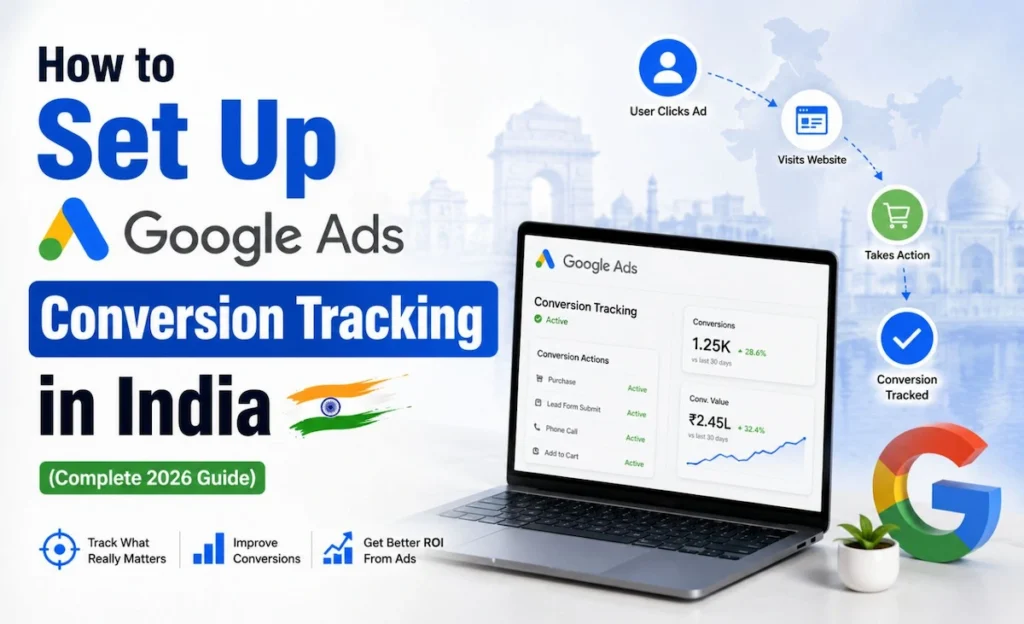
The first time I ran a Google Ads campaign for a Jaipur-based real estate client, I thought I was doing everything right. The clicks were coming in, the CTR looked decent, and the budget was getting spent. But when the client asked me, “Kirti, which campaign actually got us the leads?” I had no answer. That was the moment I realized I had skipped the most important step in performance marketing: setting up Google Ads conversion tracking. Since then, I have helped dozens of Indian businesses, from local service providers to Shopify stores to B2B SaaS companies, set up proper conversion tracking that actually feeds Google the right data. And today, I am going to walk you through everything I know, step by step, so you do not make the same mistake I did. Whether you are a business owner, a digital marketing student in Jaipur, or an agency executive handling multiple clients, this guide covers the complete Google Ads conversion tracking setup, including Google Tag Manager, enhanced conversions, offline conversion imports, phone call tracking, and India-specific tips for lead-gen campaigns. What Is Google Ads Conversion Tracking and Why Does It Matter? Google Ads conversion tracking measures the actions people take after clicking your ads, such as form fills, calls, purchases, and other valuable leads. It helps you see which campaigns drive real results and gives Google better data for bidding and reporting. Think of it this way. When someone clicks your ad and then fills a contact form, buys a product, or calls your business, that action is called a conversion action. Without tracking this, Google does not know which keywords or campaigns led to that action. And without that signal, Smart Bidding cannot optimize your bids intelligently. In India, this becomes even more important because most campaigns are built around lead generation, not direct ecommerce purchases. A phone call from a property buyer in Gurugram, a WhatsApp enquiry from a coaching institute student, or a contact form fill from a manufacturing company in Pune, all of these are conversions that need to be tracked properly. What Counts as a Conversion in India? Based on my experience working with Indian clients, the most common conversion actions I track are: • Form submissions on a thank-you page • Phone call conversions from call extensions or website call buttons • WhatsApp clicks tracked via button click events • Purchase completions on Shopify and WooCommerce stores • Lead form submissions inside Google Ads • App installs for mobile-first businesses Google Ads Conversion Tracking Setup: 3 Methods That Actually Work There are three main ways to implement Google Ads conversion tracking setup. I will explain each one clearly so you can pick the right method for your situation. Method 1: The Google Tag (Direct Website Tag) This is the simplest method. You install the Google tag directly on your website’s global header, and then add a separate event snippet on the page where a conversion happens, usually the thank-you page after a form is submitted. Here is the step-by-step process: 1. Go to your Google Ads account and click Tools > Measurement > Conversions. 2. Click the blue plus button to create a new conversion action. 3. Choose the conversion type: Website, App, Phone calls, or Import. 4. Fill in the conversion name, value, count, and conversion window. 5. Copy the Google tag and paste it in your website’s <head> section globally. 6. Copy the event snippet and paste it only on the thank-you page. The conversion value you set here directly affects your Smart Bidding strategy. For lead-gen campaigns, you can assign an estimated rupee value per lead based on your average deal size and conversion rate. Method 2: Google Ads Conversion Tracking with GTM This is the method I personally recommend for most clients. Google Tag Manager gives you a central hub to manage all your tags, including Google Ads, GA4, Facebook Pixel, and more, without touching the website code every time. How to Set Up Conversion Tracking via GTM Follow these steps to implement Google Ads conversion tracking with GTM: 7. Create a Google Ads Conversion Tracking tag inside GTM. 8. Enter your Conversion ID and Conversion Label from your Google Ads account. 9. Set up a trigger based on the event you want to track (page view on thank-you page, button click, form submission). 10. Publish the GTM container. 11. Verify the tag is firing using GTM Preview mode and Google Tag Assistant. The biggest advantage of using GTM is speed. If you need to update a conversion action or add a new one, you do it inside GTM without touching the website code. This is especially useful when you are managing multiple clients or running fast-moving campaigns. Method 3: Google Ads Conversion Tracking via GA4 This method connects your Google Analytics 4 account to Google Ads and imports GA4 key events as conversions. It is ideal when you already have a properly configured GA4 setup and want to avoid duplicate tracking. Setting Up GA4 Key Events Import 12. In GA4, go to Admin > Events and mark the events you want as key events (purchases, form submissions, etc.). 13. In Google Ads, go to Tools > Conversions > Import > Google Analytics 4 properties. 14. Select the GA4 property and choose the key events to import. 15. Click Import and Continue. One important thing to watch out for here is double counting. If you have both a direct Google Ads tag and a GA4 import firing for the same action, you will see inflated conversion measurement numbers. Always audit your setup before going live. What Are Enhanced Conversions and Why You Should Enable Them Enhanced Conversions Explained Simply Enhanced conversions use hashed first-party data, such as email addresses, phone numbers, or
How AI Max for Search Campaigns Is Changing the Way I Run Google Ads in India
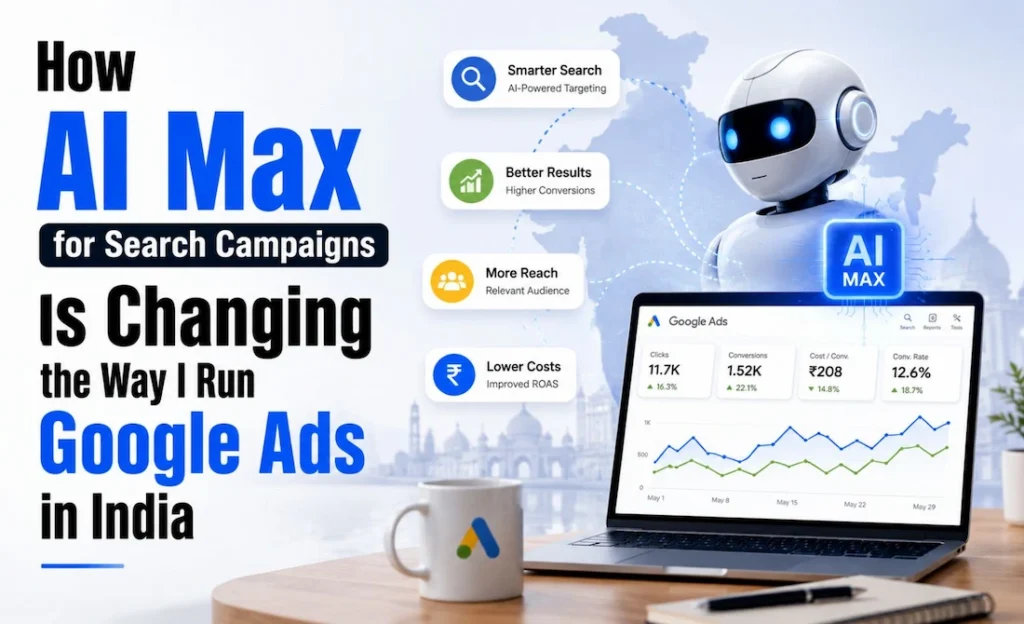
Let me be honest with you. When AI Max for Search campaigns first showed up in my Google Ads dashboard, I almost ignored it. I thought it was just another Google feature with a fancy name that would eat my budget without showing results. But then one of my clients, a local solar panel company based in Rajasthan, was struggling with rising CPCs and shrinking lead volume. I decided to test AI Max for Search campaigns on their account, mostly out of desperation. What happened next genuinely surprised me, and that is why I am writing this today. I am Kirti Saini, a certified performance marketer based in Jaipur. I have been running Google Ads for local businesses, D2C brands, and service-based companies across India for years. And right now, AI Max is the single biggest topic my clients keep asking about. So let me break it down properly, from what it actually is, to how you can set it up, to what controls you actually have. What Is AI Max for Search Campaigns? AI Max for Search campaigns is not a new campaign type. A lot of people get confused by this. It is an opt-in optimization layer that sits on top of your existing Search campaigns inside Google Ads. Think of it like this. You already have a Search campaign running. You have your keywords, your ad copy, your landing pages. AI Max comes in and says, “Can I use AI to find more relevant queries, write better ad text, and send traffic to the most relevant page on your site?” You say yes or no. That is essentially it. The Core Problem It Solves Traditional keyword targeting has one major weakness: you can only reach queries that match your keyword list. Even with broad match, there are still relevant searches you are missing, especially in India where people search in mixed languages, regional phrases, and highly specific local intent. AI Max solves this through three core capabilities. Search term matching expands your keyword reach using AI. It finds new, relevant queries that your keyword list would have missed, without requiring you to add hundreds of new keywords manually. Text customization uses AI to generate ad copy variations that are more relevant to a specific search query. Google pulls from your existing headlines and descriptions, then adapts them for better match. This is different from Responsive Search Ads because AI Max can go further in customization based on the landing page content. Final URL expansion is the third piece. Instead of always sending users to your chosen landing page, Google may redirect traffic to a more relevant page on your website if it determines another URL is a better match for that query. How AI Max for Search Campaigns Actually Works Here is what happens in the background when you turn on AI Max in Google Ads. Google’s AI reads your entire website, not just the landing page you chose. It looks at your product pages, service pages, about page, and more. Using that content, it identifies additional search queries that are relevant to your business and matches them to the most fitting page on your site. At the same time, the text customization feature can pull context from the destination URL and adapt your ad headlines or descriptions to feel more specific to that query. For example, if someone in Delhi searches “affordable solar installation for homes,” your ad might automatically show a more Delhi-specific or budget-specific headline if your site has that content somewhere. Keywordless Matching vs. Broad Match A lot of people ask me: is this just broad match with extra steps? Not exactly. Broad match works from your keyword list and expands from there. Keywordless matching in AI Max can serve ads on queries that have no keyword match at all, as long as Google’s AI determines your business is relevant. This is a meaningful difference, especially for businesses with niche products or hyper-local services. Core Features and Controls You Need to Know This is where I spend most of my time educating clients. AI Max for Search campaigns gives you control. Google is not just running wild with your budget. Here is what you can manage. Brand Controls You can tell Google which brands to exclude from search term matching. For example, if you do not want your ads showing up for competitor brand queries, or even your own brand queries that are being handled by a separate campaign, you can set that up through brand controls. URL Inclusions and Exclusions With URL inclusions, you can tell Google which pages on your site are allowed to receive traffic from final URL expansion. With URL exclusions, you can block specific pages. This is important if you have checkout pages, thank-you pages, or outdated content you do not want Google sending users to. I cannot stress this enough. Set your URL exclusions before you turn on AI Max. I have seen accounts where traffic started landing on a “404 page” or a discontinued product page because this step was skipped. Locations of Interest This is particularly relevant for India-based businesses. Locations of interest lets you target users who are searching with geographic intent, even if they are not physically located in that area. A user in Mumbai searching “best resort in Goa” has intent around Goa. With locations of interest, you can reach that person. At the ad group level, you can set this separately, which means you can have one ad group targeting people near Jaipur and another targeting people who are interested in Jaipur from other cities. India Use Cases Where AI Max Performs Best After running this across several accounts in Jaipur, Delhi, and Bengaluru, these are the use cases where AI Max for lead generation and local intent have worked really well. Local service businesses like solar companies, interior designers, and coaching institutes benefit from search term matching because customers search in unpredictable ways. “Best interior decorator near me,” “affordable